Zentrix Work
Your shift, organized from your phone.
Clock in when you get to the store and the work comes to you: orders to pick, deliveries and returns. When you're done, clock out and your phone is yours again.


A shift with Zentrix Work.
No more watching for messages or asking what's next. The app lets you know, you decide whether to take it, and when you're done, everything is on record.
If it's your first day, the manual walks you through every screen with screenshots.
- Clock in at your store Check in and choose what you'll handle today: orders, deliveries or returns.
- An order rings Even with your screen off. You see what it is, its code and how many packages it has.
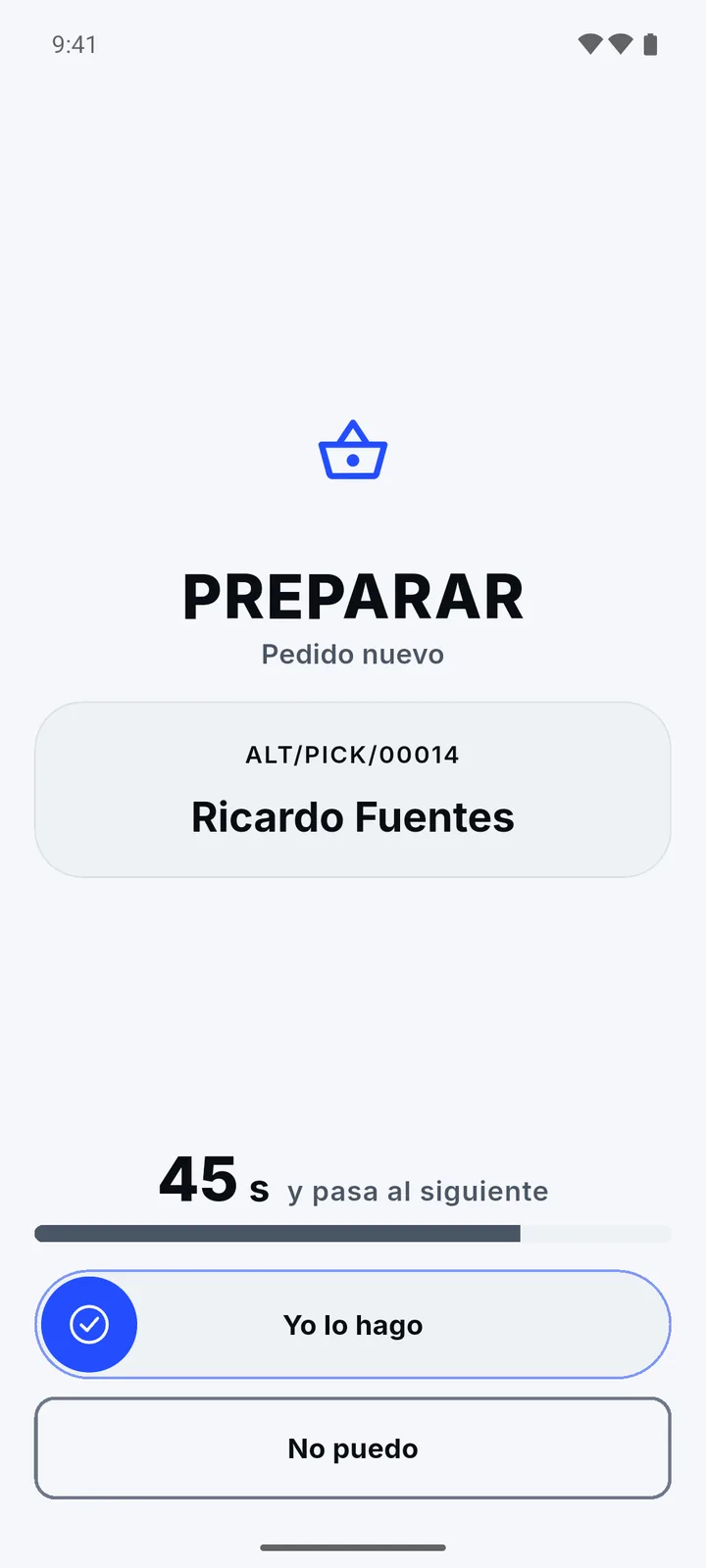
- Swipe to take it You have 60 seconds. If you can't, tap “I can't” and it goes to a teammate.
- Pick it or deliver it Scan item by item with your camera, package by package.
- Take a break if you need one 5, 10 or 15 minutes without closing your shift or dropping what you started.
- Clock out when you leave And if you forget, the shift closes on its own. Your phone stops ringing.
Fewer interruptions, fewer mistakes, more control.
Every feature is built for the real pace of a store: lots of movement, little time and a customer waiting.
Pick orders
Pick item by item using your camera as a scanner, and the app tells you if anything is missing before you close.
Deliver
At the counter or to the door, package by package, with proof of delivery on the spot.
Receive returns
You only take back what support has already approved, so there's no arguing at the counter.
Alerts you actually hear
If your phone is on silent, the app tells you and takes you straight to the fix.
A shift with a start and an end
You work while you're clocked in. Off shift, nothing interrupts you.
Fast, secure sign-in
Sign in once with your email, then with your PIN or fingerprint. Your PIN never leaves your phone.
One shift, three kinds of work.
When you clock in, you choose what you'll handle today. Here's how each one comes in.
An order to pick
It rings even with your screen off. Take it with a swipe, pick it by scanning item by item, and the app warns you if anything is missing.
A delivery
At the counter or to the door, package by package, with proof of delivery on the spot.
A return
You only take back what support has already approved, so there's no arguing at the counter.
A shift, from the call to the handover.
Light for working in the sun, dark if you prefer.
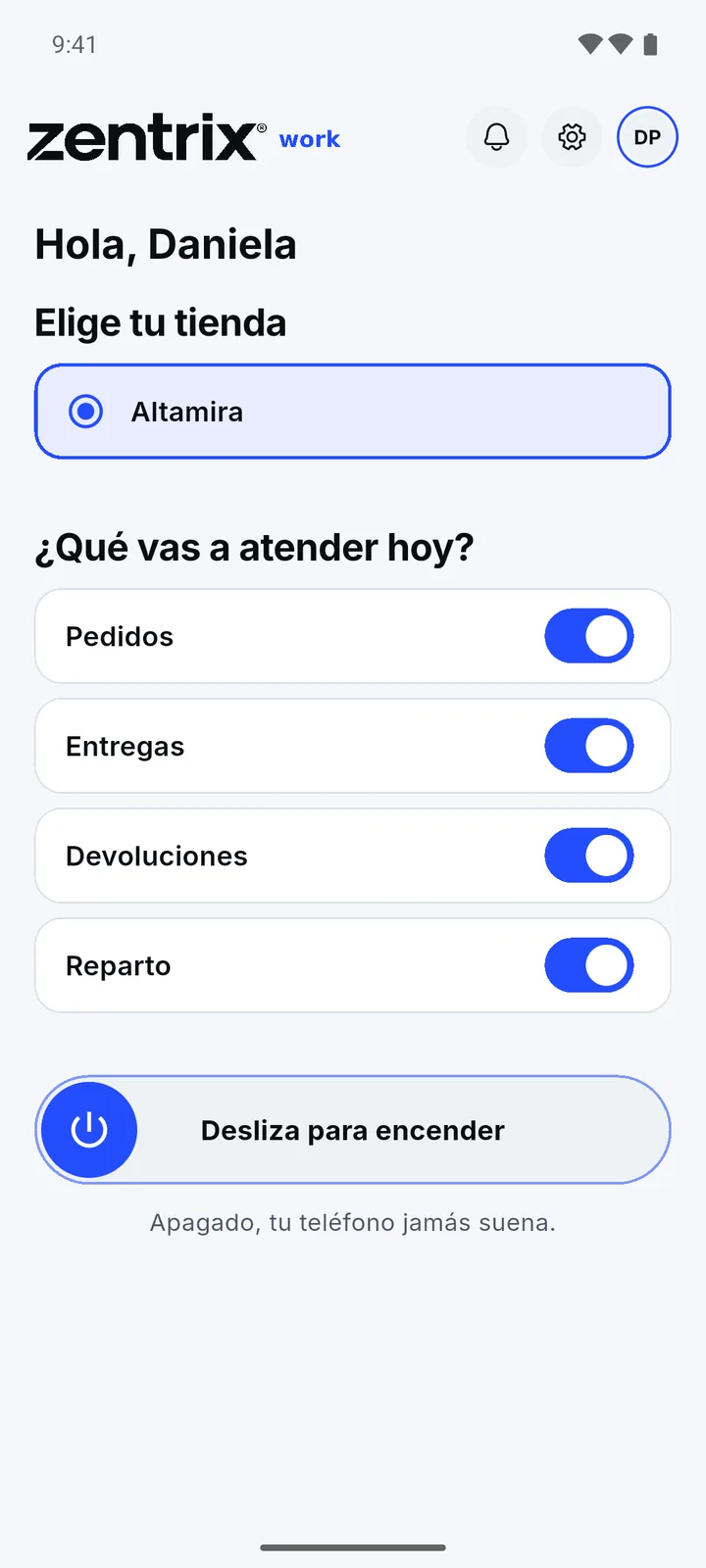
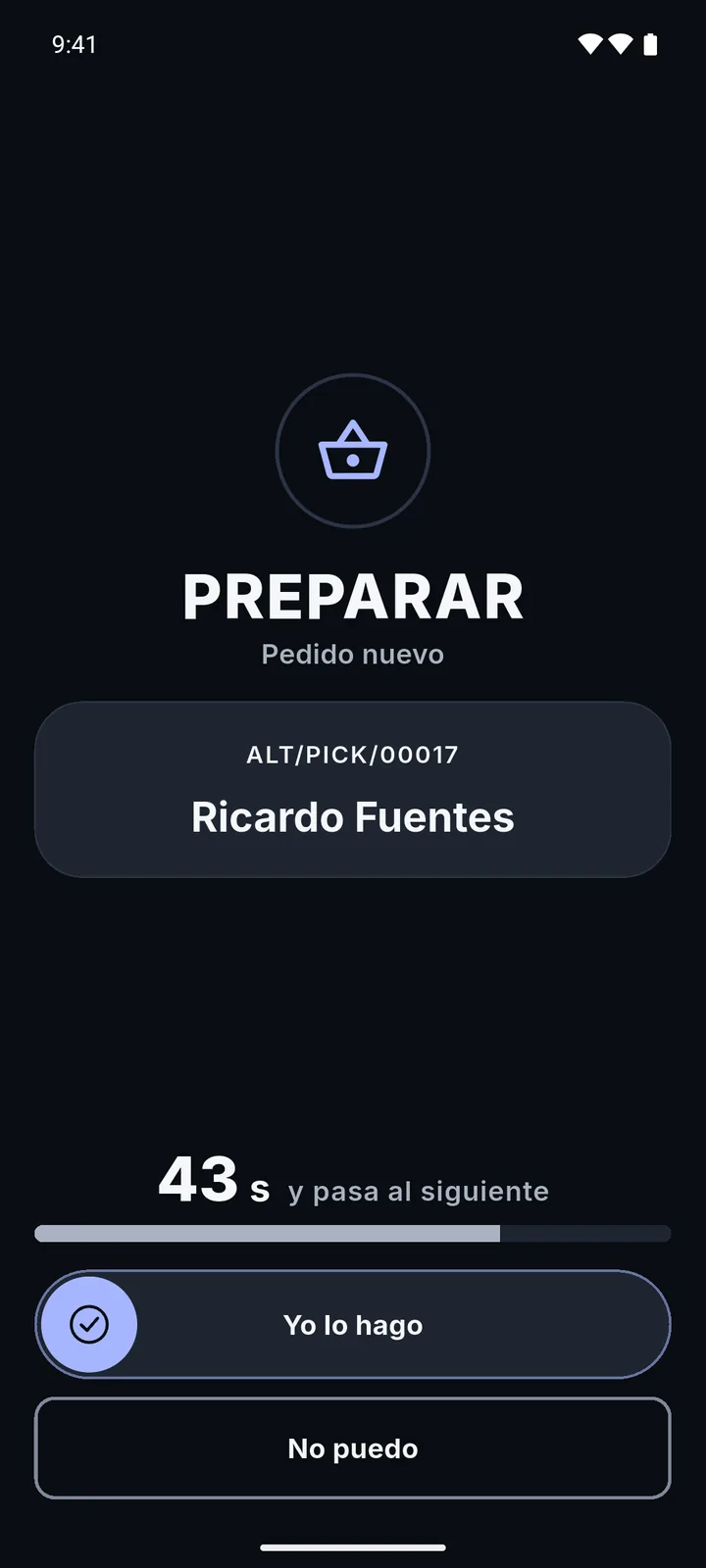
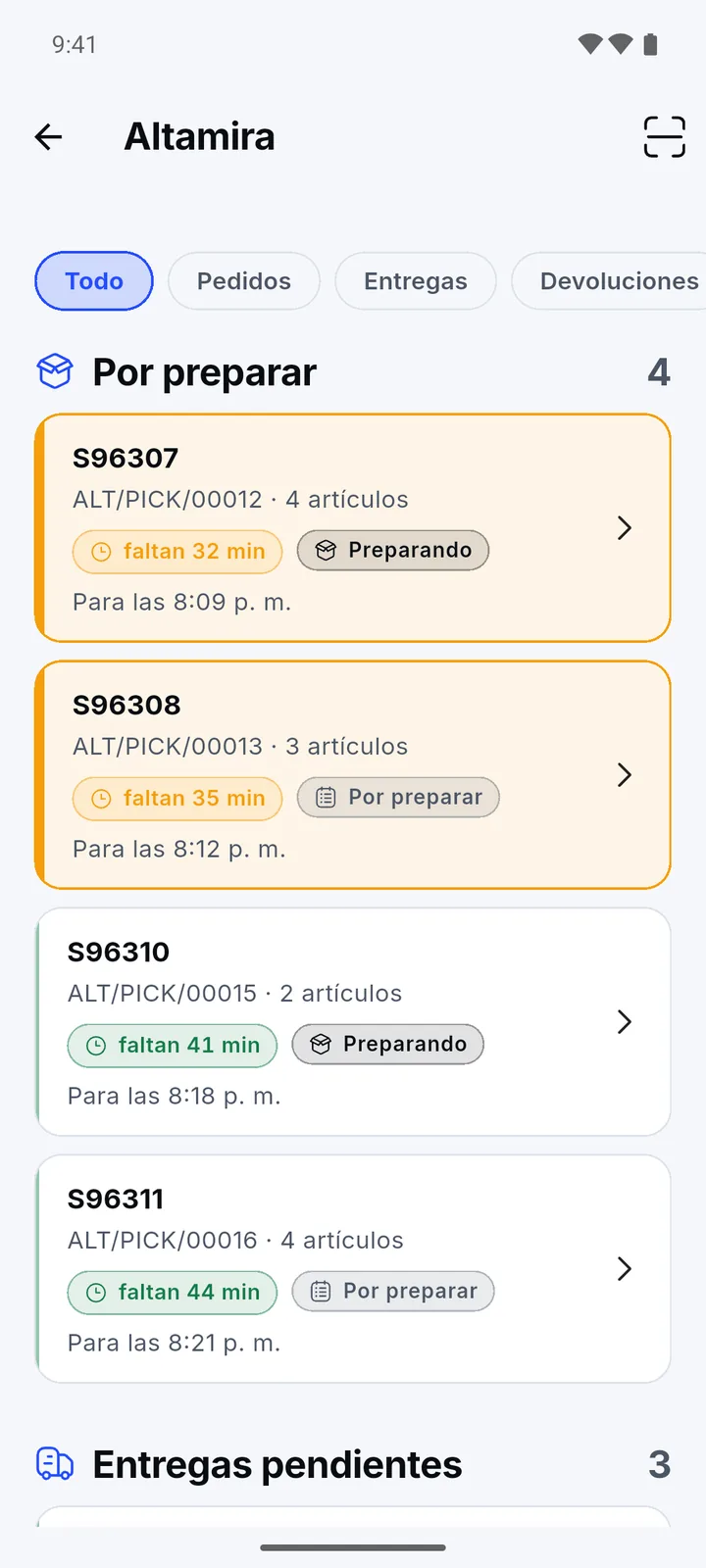
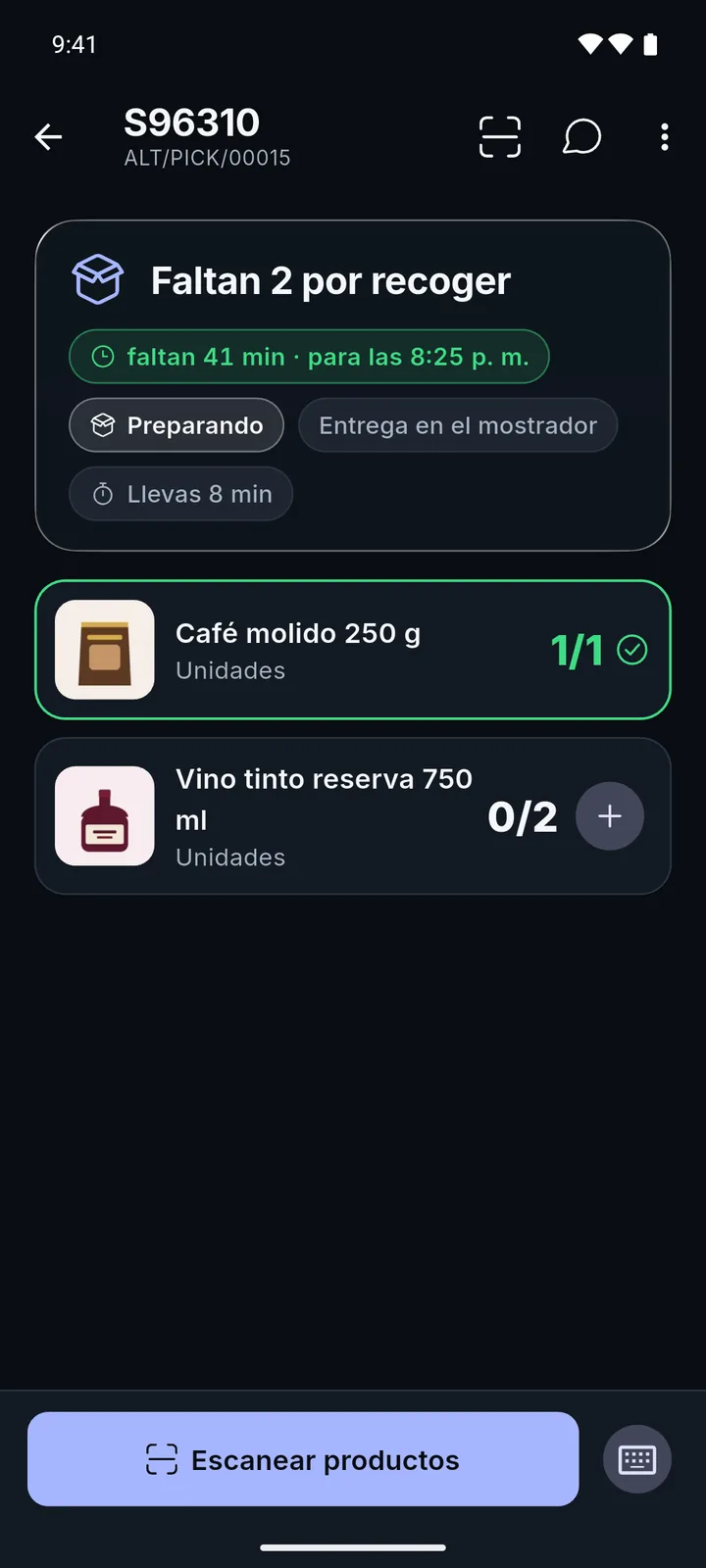
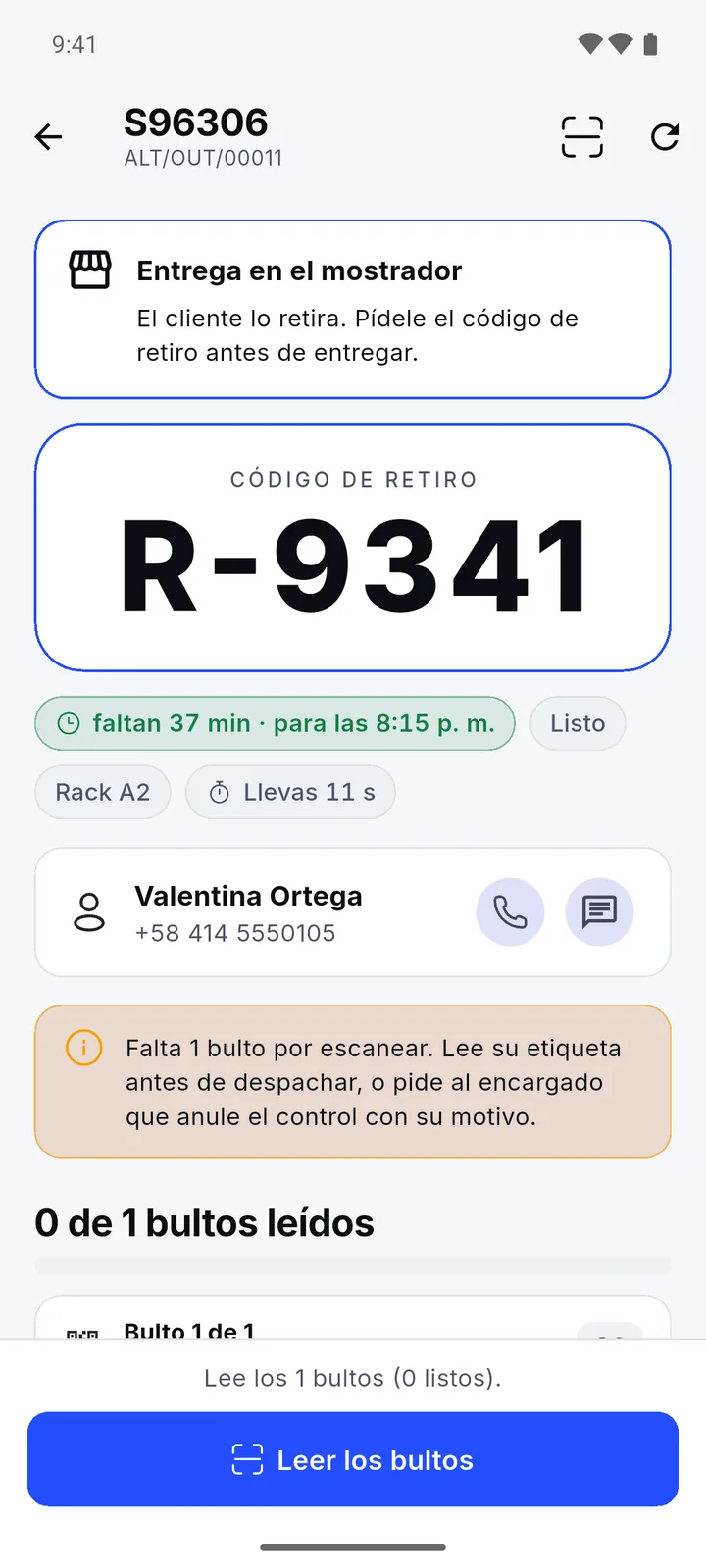
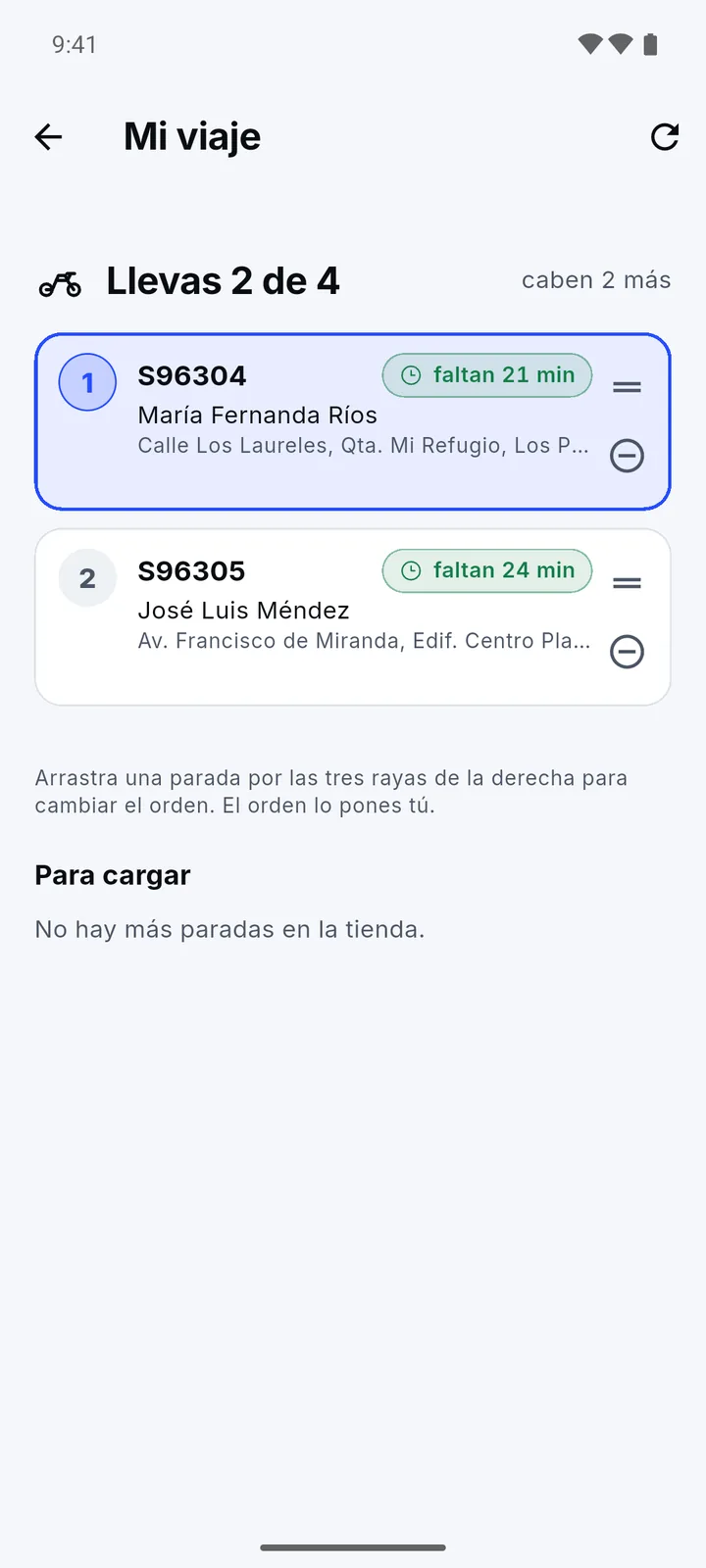
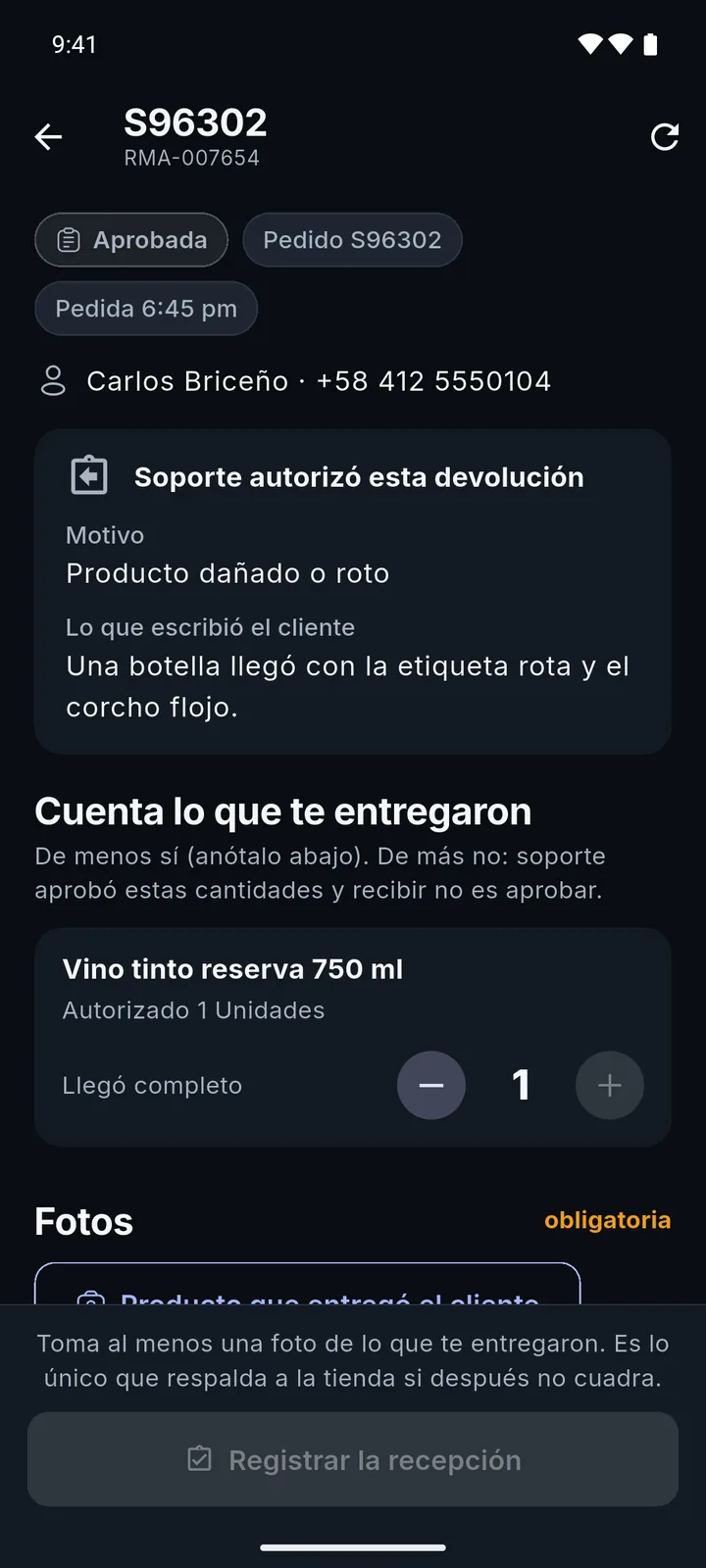
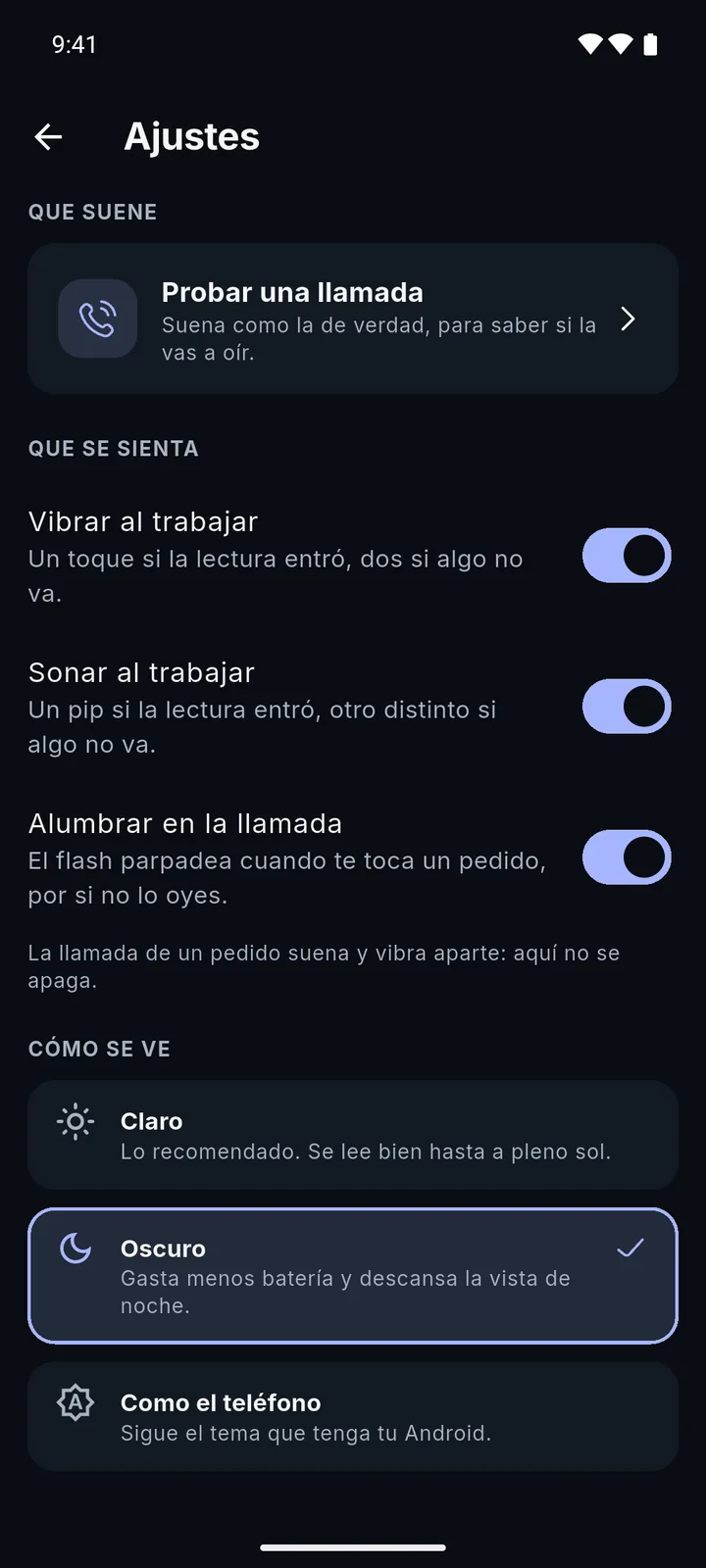
Real screenshots of the app (in Spanish), with a test store and test customers.
It's your phone, and we treat it that way.
The app runs on your personal phone, so it uses as little as possible and only works while you do.
- Clocked out, it stays quiet. With no active shift, you won't get a single notification.
- Location only during your shift. Never off shift or in the background, and it's deleted after 30 days.
- Easy on your battery. The screen stays on only while a task is open.
- No ads and no advertising ID.
Who it's for
For store staff at companies that use Zentrix Work. There's no sign-up: your manager creates your account with the stores and tasks assigned to you. Anyone can install the app, but without an account it doesn't do anything.
How to get started
- Ask your manager for access.
- Install Zentrix Work from Google Play.
- Enter the server, your email and your password. Only the first time.
- Create your PIN or use your fingerprint, and you're set.